Custom Mounting Fixtures
The Mount~O~Matic creates customized 3D-printable mounting fixtures. Currently it supports generating a Cylinder Clamp or Stepper Bracket, and feel free to contact us if you’d like to see other kinds of fixtures added.
Above you should see an interactive 3D display showing the generated geometry, with an adjacent parameters panel showing the parameters you can customize. If you don’t see the display, try clearing your browser’s cache for this website and reloading the page. If that doesn’t work, it’s possible that your browser is not compatible so a different browser may work better. You can click the fullscreen button on the toolbar at the upper right of the 3D model viewer, to hide these instructions and maximize the model viewer and parameters. The buttons on the left of the toolbar will let you see cross-section and wireframe views of the model. The cross-section view is especially helpful for making sure your mount will be as thick as you expect, accounting for clamping holes etc.:
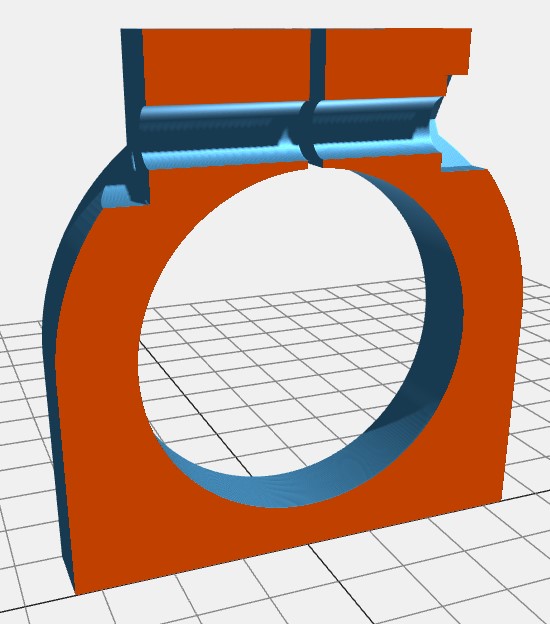
Once your geometry is configured as desired, press the Download button on the toolbar in order to download a file that can be loaded into any slicer program for 3D printing. The STEP file format is recommended if you want to do further modifications in another CAD program.
Questions? Comments? Bugs? Requests?
Feel free to contact us if you like. Of course we won’t satisfy every request, but we promise to listen. If you want to share the exact settings you’re using, use the copy button at the bottom of the parameters panel to copy your parameters to your clipboard, then paste them into an email. Or if you prefer, you can use the save button to save them to a file that you can attach.